Have you ever wished for a coding buddy who suggests the perfect line just when you need it? That’s what GitHub Copilot brought to so many developers. But it’s not free anymore, and not everyone wants to pay for it. Luckily, there are plenty of free GitHub Copilot alternatives that work just as well—or even better in some ways.
In 2026, AI coding tools have exploded. Many are completely free for personal use, with powerful features like code completion, chat explanations, and more. Whether you’re a beginner tinkering on side projects or a pro building complex apps, these tools can speed up your workflow without costing a dime.
I’ve tested and researched the top options. Here’s my roundup of the best free alternatives to GitHub Copilot this year. We’ll dive into what makes each one stand out, how to get started, and tips for making the most of them.
Why Look for Free GitHub Copilot Alternatives?
GitHub Copilot is great, but it’s subscription-based now. Many developers switch for these reasons:
- Cost: Free tools give unlimited suggestions without monthly fees.
- Privacy: Some run locally or don’t send your code to external servers.
- Customization: Open-source options let you tweak everything.
- Extra features: Things like better AWS integration or full codebase understanding.
Plus, the AI landscape moves fast. New models in 2026 make free tools smarter than ever.
Top Free GitHub Copilot Alternatives in 2026
Here are my top picks. All have generous free tiers for individuals, and most work seamlessly in VS Code or other popular editors.
1. Codeium (Now Windsurf)
Codeium tops many lists for good reason. It’s fast, accurate, and completely free for personal use—with no limits on completions.
- Real-time code suggestions across 70+ languages.
- In-editor chat for explaining code or generating functions.
- Deep context awareness, even for large projects.
- Offline mode available.
In 2026, Codeium evolved into Windsurf, an AI-native IDE with agent-like features. But the VS Code extension remains free and powerful.
Pros:
- Blazing fast—often quicker than paid tools.
- No usage caps.
- Strong for multi-file edits.
Cons:
- Chat can sometimes feel limited compared to premium options.
Best for: Everyday coding in VS Code. Install the extension, sign up for free, and you’re good to go.
2. Amazon Q Developer (Formerly CodeWhisperer)
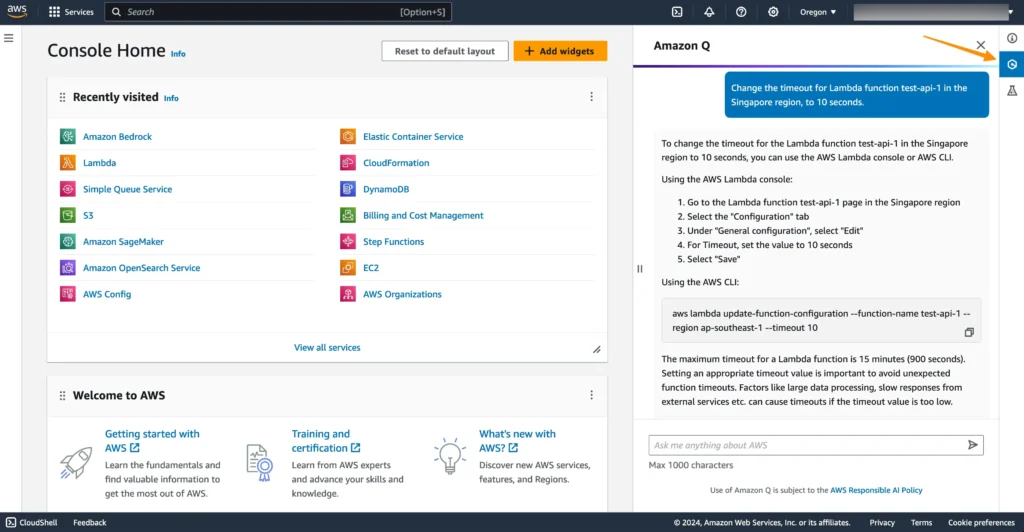
Amazon’s tool is free for individuals and shines if you work with AWS.
- Context-aware completions.
- Security scans to flag vulnerabilities.
- Reference tracker for open-source code.
- Chat and transformation features.
It’s optimized for Java, Python, JavaScript, and more.
Pros:
- Excellent AWS integration.
- Built-in best practices.
- Free with high limits.
Cons:
- Less general-purpose outside AWS ecosystems.
Best for: Cloud developers. Get a free AWS Builder ID to unlock it.
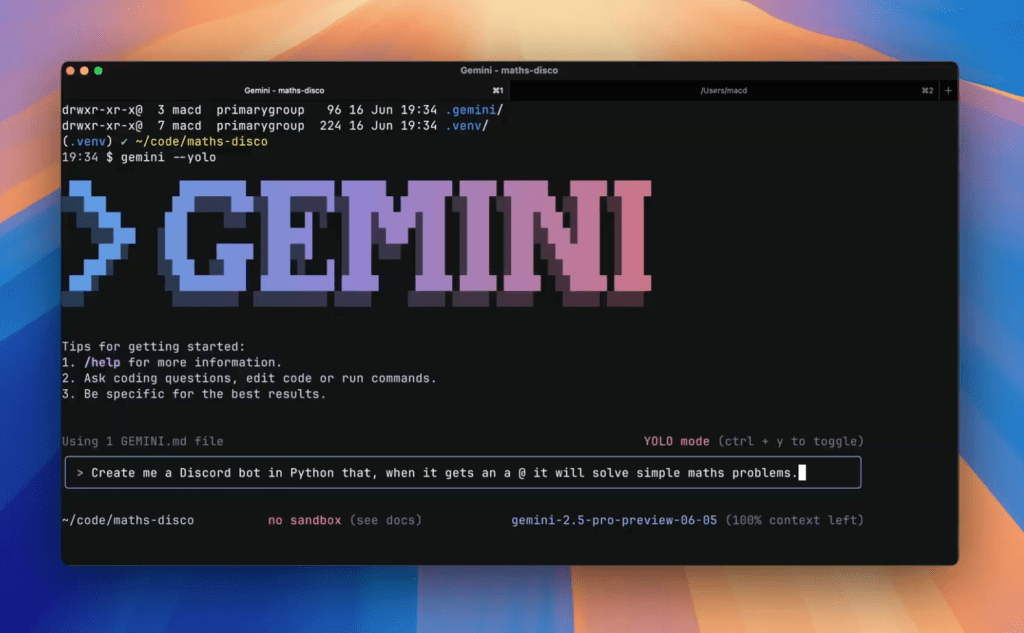
3. Google Gemini Code Assist
Google’s entry is generous for individuals, freelancers, and students.
- Powered by Gemini models.
- Code completion, generation, and debugging.
- Chat interface in your IDE.
- Supports many languages.
Pros:
- High-quality suggestions.
- Integrates well with Google Cloud.
- Completely free for personal use.
Cons:
- Requires a Google account.
Best for: Those in the Google ecosystem or wanting strong natural language understanding.
4. Tabby (Open-Source and Self-Hosted)
Tabby is a standout for privacy lovers. It’s fully open-source and self-hostable.
- Run models locally—no data leaves your machine.
- Supports popular open models like StarCoder or CodeLlama.
- VS Code, JetBrains, and more integrations.
Pros:
- Total control and privacy.
- Customizable models.
- Free forever.
Cons:
- Setup requires some tech know-how.
Best for: Teams with sensitive code or offline needs. Docker makes deployment easy.
5. Continue.dev
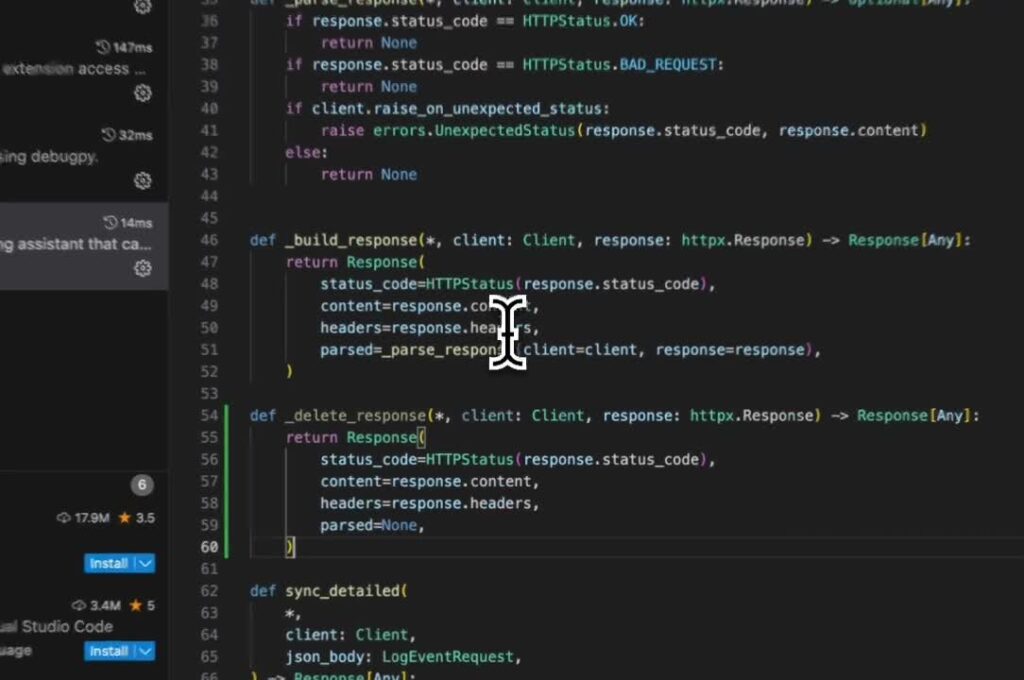
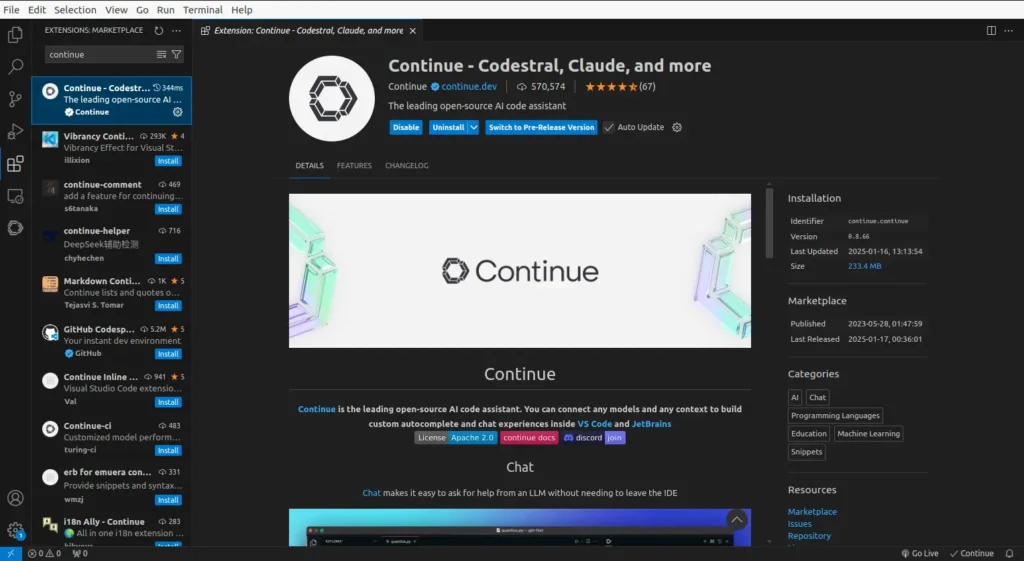
This open-source extension turns VS Code into a customizable AI powerhouse.
- Connect to any model (local or cloud).
- Autocomplete, chat, and codebase indexing.
- Slash commands for quick actions.
Pros:
- Highly flexible.
- Works with free local models.
- Active community.
Cons:
- Configuration takes time.
Best for: Experimenters who want to mix models.
6. Tabnine (Free Tier)
Tabnine offers a solid free plan with basic completions.
- Privacy-focused (local models available).
- Learns your coding style.
- Supports dozens of IDEs.
Pros:
- Fast and accurate.
- Zero data retention options.
Cons:
- Advanced features behind a paywall.
Best for: Privacy-conscious devs wanting simple autocomplete.
7. Microsoft IntelliCode
Free from Microsoft, built into Visual Studio and VS Code.
- Context-based whole-line completions.
- Trained on thousands of open-source repos.
- Team custom models are possible.
Pros:
- Seamless integration.
- No extra setup.
Cons:
- Less “chatty” than others.
Best for: Microsoft stack users.
8. Sourcegraph Cody (Free Tier)
Cody understands your entire codebase.
- Answers questions about your repo.
- Generates and edits code with context.
- Free for small repos.
Pros:
- Great for large projects.
- Powerful search integration.
Cons:
- Limits on bigger codebases.
Best for: Navigating complex repos.
How to Choose the Right Free Alternative
Think about your needs:
- Speed and simplicity? Go with Codeium.
- Privacy? Tabby or Continue.
- AWS work? Amazon Q.
- Full codebase smarts? Cody.
Most are installed as VS Code extensions. Try a few—switching is easy.
Tips for getting the most out:
- Write clear comments—AI uses them for better suggestions.
- Accept suggestions with Tab, but always review code.
- Combine tools: Use one for completion, another for chat.
- Keep extensions updated for the latest models.
Open-Source Options for Advanced Users
If you love tinkering:
- Aider: Command-line tool for editing with AI.
- FauxPilot: Self-hosted Copilot clone.
- Local models via Ollama + Continue.
These give ultimate control but need hardware (a decent GPU helps).
FAQ
Is there a completely free alternative as good as GitHub Copilot? Yes! Codeium and Amazon Q often match or beat it for many users, especially on free tiers.
Do these free tools send my code to servers? It varies. Codeium and Amazon Q do (with privacy policies), but Tabby and Continue can run fully local.
Can I use these for commercial projects? Most yes, but check licenses. Open-source ones are usually fine.
What’s the best for beginners? Codeium or Gemini—easy setup and helpful suggestions.
Are there limits on free plans? Some have daily caps, but Codeium and Tabby offer unlimited for individuals.
Do they support my language? Most cover Python, JavaScript, Java, Go, etc. Check specifics.
How do I install them in VS Code? Search the marketplace, install, and sign in if needed.
Will free tools stay free in 2026? Many commit to free individual tiers, but features can shift. Open-source ones are safest.
Conclusion
2026 is an exciting time for developers. Free GitHub Copilot alternatives aren’t just backups—they’re often innovators pushing boundaries in speed, privacy, and smarts.
My top recommendation? Start with Codeium for its balance of power and ease. If privacy matters, try Tabby.
Pick one today, install it, and see how much faster you code. Your future self will thank you. Happy coding—what tool will you try first? Drop a comment if you have favorites!