Nextcloud vs Google Drive 2026: Which Is Better?
In 2026, almost everyone relies on cloud storage. We store photos, documents, work files, and backups online. But with growing worries about data privacy, big tech tracking, and rising subscription costs, many people are asking the same question: Should I stick with Google Drive or switch to something like Nextcloud? If you’ve landed here searching for “Nextcloud vs Google Drive,” you’re probably trying to decide between convenience and control. Google Drive is familiar, fast, and deeply integrated into everyday tools. Nextcloud is the privacy champion that lets you run your own cloud on your own hardware.
In this detailed 2026 comparison, we’ll look at privacy, security, features, pricing, ease of use, performance, and real-world use cases. By the end, you’ll know exactly which one fits your needs.
What Is Nextcloud?
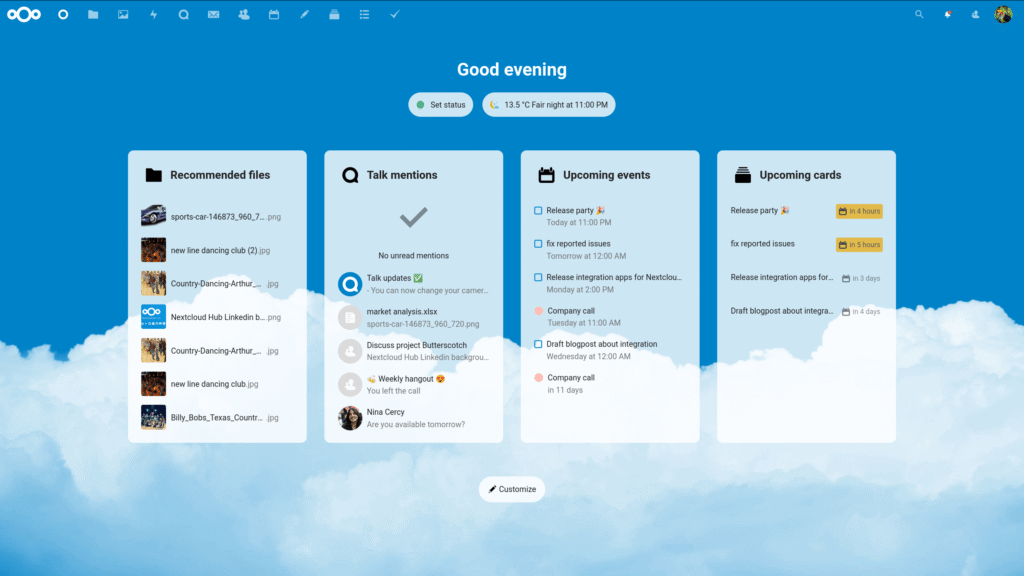
Nextcloud is an open-source, self-hosted file sync and share platform. Think of it as your personal cloud server that you control completely. It started as a fork of ownCloud in 2016 and has grown into the most popular self-hosted cloud solution.
In 2026, Nextcloud Hub (currently on version 8) offers file storage, collaboration tools, communication apps, and hundreds of extensions. You install it on your own server, VPS, Raspberry Pi, or use a hosted provider. The big selling point? Your data never leaves your control.
What Is Google Drive?
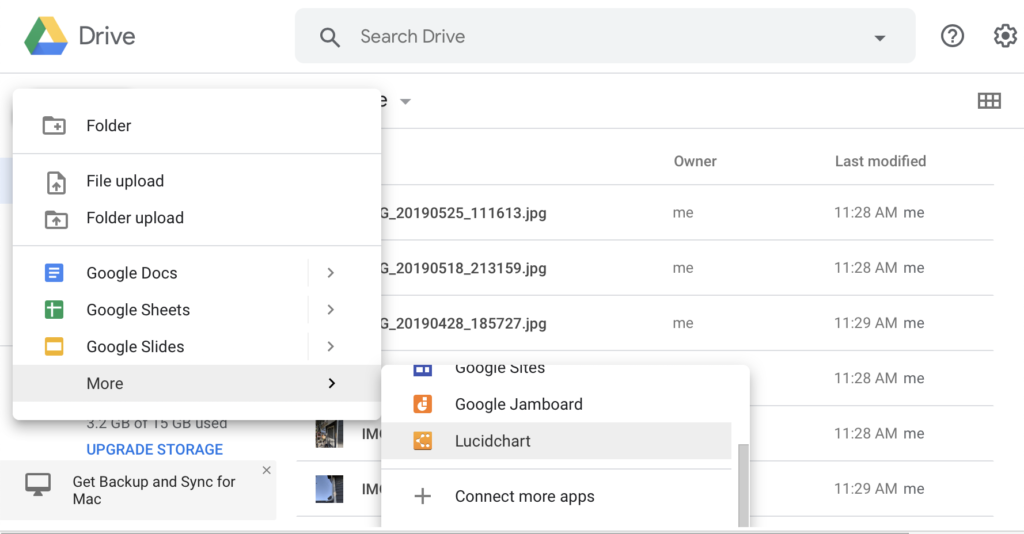
Google Drive is Google’s cloud storage service, launched in 2012. It gives every Google account 15 GB free and integrates tightly with Gmail, Docs, Sheets, Slides, Photos, and Meet. For extra space and features, you upgrade to Google One plans, which in 2026 also bundle Gemini AI tools for premium subscribers.
It’s designed for ease: upload once, access anywhere, share with a link. Millions use it daily without thinking twice.
Privacy and Security Comparison
This is the biggest difference—and usually the main reason people search “Nextcloud vs Google Drive.”
Google Drive Privacy
Your files live on Google’s servers. Google states clearly that they do not use Google Drive content for personalized advertising. However, they do scan files for illegal content, spam, malware, and to comply with legal requests. Your data is subject to U.S. laws and government access.
End-to-end encryption is available only in Google Workspace Enterprise plans (client-side encryption). For regular consumer accounts, files are encrypted in transit and at rest, but Google holds the keys.
Nextcloud Privacy
Since you host it yourself, no third party can access your files unless you explicitly allow it. You decide where the server is physically located (your home, EU data center, etc.). Nextcloud supports server-side encryption and optional end-to-end encryption for files and chats.
In short: if privacy is your top priority, Nextcloud wins hands-down in 2026.

Security Verdict
Both are secure when used properly. Google has world-class infrastructure and automatic updates. Nextcloud security depends on you keeping the server and apps updated. Many users pair Nextcloud with Fail2Ban, two-factor authentication, and regular backups for strong protection.
Features Comparison
Storage and File Sync
Both offer reliable desktop and mobile sync.
Google Drive feels faster for large batches thanks to Google’s global network. Nextcloud sync speed depends on your server and internet upload speed.
Collaboration and Productivity
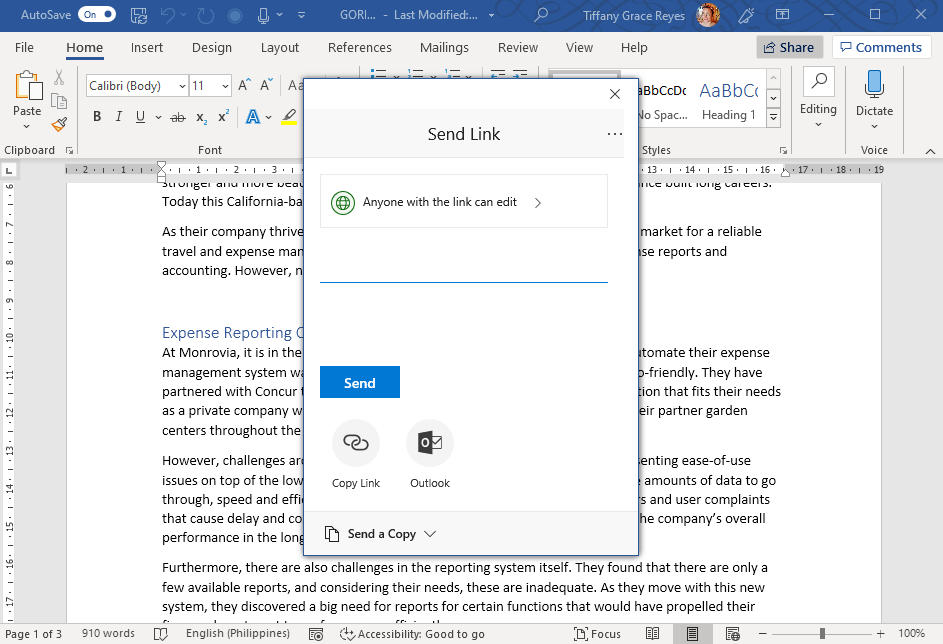
Google Drive shines with real-time editing in Google Docs, Sheets, and Slides—no extra setup needed.
Nextcloud integrates Collabora Online or OnlyOffice for similar real-time document editing. It also includes Nextcloud Talk (chat and video calls), Calendar, Contacts, Mail, and Deck (project boards). It’s more of a complete productivity suite.
Apps and Integrations
Nextcloud has over 400 apps in its store: a password manager, a photo gallery with facial recognition, music streaming, an RSS reader, and more.
Google Drive integrates seamlessly with the entire Google ecosystem and thousands of third-party apps via the Google Marketplace.
AI Features in 2026
Google One AI Premium plans include Gemini integration for summarizing documents, generating images, and smart search inside Drive.
Nextcloud has growing AI support through community apps (local LLMs, OpenAI integration if you want), but nothing as polished as Gemini yet.
Mobile Experience
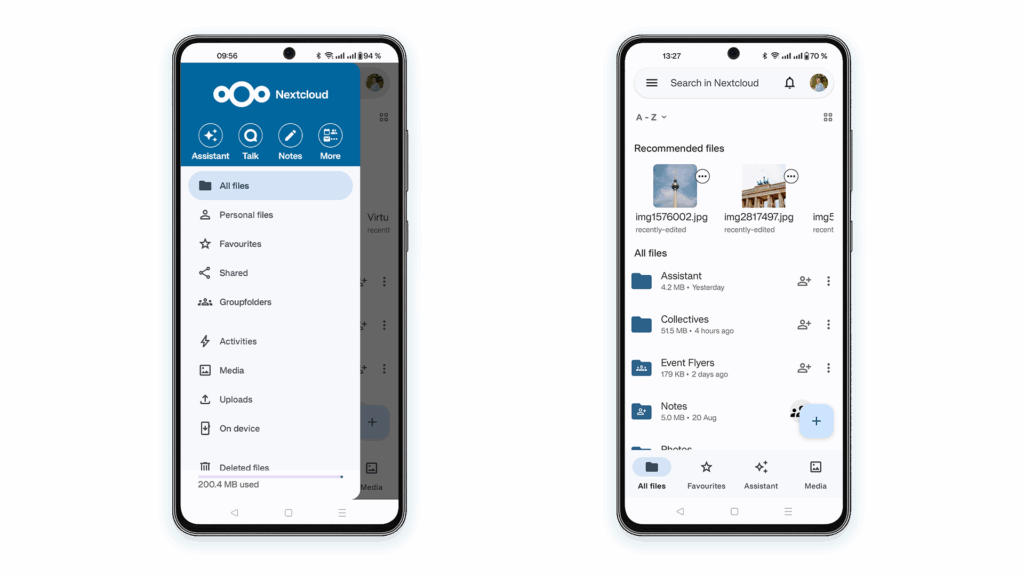
Both have excellent Android and iOS apps. Google’s app is slightly more polished for photo backup and offline access.
Pricing Comparison
Google Drive / Google One Pricing (2026)
- 15 GB: Free
- 100 GB: $1.99/month or $19.99/year
- 2 TB: $9.99/month or $99.99/year
- 5 TB: $24.99/month
- Higher tiers (10–30 TB) for businesses
- AI Premium (2 TB + Gemini Advanced): $19.99/month
Family sharing is included, and you often get discounts through carriers or promotions.
Nextcloud Pricing
- The software itself: Completely free and open-source
- Self-hosting costs:
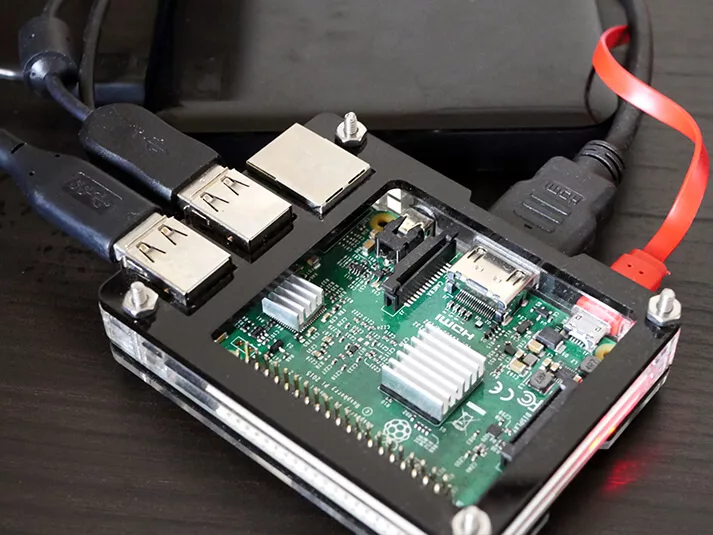
- Raspberry Pi at home: electricity + ~$50–100 one-time hardware
- VPS (Hetzner, DigitalOcean, Linode): $5–20/month for decent performance
- Hosted Nextcloud providers: $5–15/month for managed instances with 100 GB–1 TB storage
- Enterprise support (optional): Starts around €38–65 per user per year for priority updates and phone support
For individuals and small teams, Nextcloud can be cheaper long-term, especially if you already have hardware.
Ease of Use and Setup
Google Drive wins easily here. Sign in with your Google account, and you’re ready in seconds.
Nextcloud setup has improved dramatically by 2026. The official All-in-One (AIO) installer and Docker images make it much simpler, but it still requires basic server knowledge. Beginners often choose managed hosting providers to avoid technical hassle.
Performance and Reliability
Google Drive offers 99.9%+ uptime backed by Google’s massive infrastructure. Rarely goes down.
Nextcloud reliability depends on your hosting choice. A quality VPS gives near-perfect uptime; home servers can go offline if your internet drops.
Pros and Cons
Google Drive Pros
- Extremely easy to use
- Excellent real-time collaboration
- Deep integration with Android and Google apps
- Generous family sharing
- Powerful AI features (premium)
Google Drive Cons
- Privacy concerns
- Limited free storage
- Locked into the Google ecosystem
Nextcloud Pros
- Complete data ownership and privacy
- Free core software
- Highly customizable with hundreds of apps
- No storage limits (depends on your hardware)
- Full productivity suite included
Nextcloud Cons
- Setup and maintenance effort
- Performance tied to your server
- Collaboration tools are slightly less polished than Google’s
Who Should Choose Nextcloud?
- Privacy-focused users
- Tech-savvy individuals or small businesses
- People who want to escape big tech
- Those with existing servers or NAS devices (Synology, TrueNAS)
- Teams needing a full open-source office suite
Who Should Choose Google Drive?
- Everyday users who value simplicity
- Heavy Google Docs/Sheets users
- Families wanting easy sharing
- Anyone who wants AI tools built in
- People who don’t want to manage servers
FAQ
Is Nextcloud really free? Yes, the core software and most apps are completely free. You only pay for hosting or optional enterprise support.
Can Nextcloud fully replace Google Drive? For most people, yes—especially if you install the Office, Talk, and Photos apps. Real-time document editing works well with Collabora or OnlyOffice.
Is Nextcloud more secure than Google Drive? It can be, because you control the server and encryption keys. But it requires you to stay on top of updates and server security.
What’s the best Google Drive alternative for privacy in 2026? Nextcloud is widely considered the top open-source, self-hosted option. Proton Drive and Tresorit are strong hosted privacy-focused alternatives.
How hard is Nextcloud setup in 2026? Much easier than before. The All-in-One installer can have you running in under an hour on a VPS. Beginners often choose managed providers.
Does Nextcloud have AI features? Community apps offer local AI integration and connections to external models, but it’s not as seamless as Google’s Gemini yet.
Can I migrate from Google Drive to Nextcloud? Yes. Use tools like rclone or the official Google Takeout export, then import into Nextcloud.
Is Google Drive still worth it in 2026? Absolutely—for ease, collaboration, and integration, it remains one of the best mainstream options.
Conclusion
In 2026, there’s no single “winner” in the Nextcloud vs Google Drive debate—it depends on your priorities.
If you want maximum privacy, full control, and don’t mind a bit of setup, Nextcloud is the clear choice. It’s powerful, extensible, and keeps your data truly yours.
If you prefer simplicity, seamless collaboration, and tight integration with everyday tools (plus some cool AI perks), Google Drive is still hard to beat.
Many people even use both: Google Drive for quick sharing and collaborative work, Nextcloud for sensitive files and long-term private storage.
Whichever you choose, start small. Try Nextcloud on a cheap VPS or Raspberry Pi, or upgrade your Google One plan. Your data deserves the right home.
Ready to make the switch? Check out Nextcloud’s official All-in-One installer or browse managed providers to get started today.