Introduction: More Than Just a Laptop, It’s a Statement
The original Framework Laptop 13 made waves by proving that a truly repairable, upgradable consumer laptop was possible. Now, the Framework Laptop 16 (2025) aims to scale that vision to the demanding world of gaming and creative professionals. It’s not just an annual refresh; it’s a platform evolving with user feedback. This review dives deep into whether this modular dream machine delivers on its lofty promises of power, longevity, and sustainability in 2025.
Framework Laptop 16 (2025): At a Glance
- Modular Philosophy: User-upgradable CPU, GPU (via Expansion Bay system), RAM, storage, ports, keyboard, and even input modules.
- 2025 Key Updates: Latest AMD Ryzen™ 8040 Series processors with improved NPU for AI, next-gen Radeon 800M Series graphics options, and refined input module ecosystem.
- Target Audience: Tech enthusiasts, gamers, creators, IT departments, and anyone tired of disposable electronics.
- Starting Price: ~$1,499 (DIY Edition). Configured systems higher.
- The Bottom Line: A uniquely future-proof, repairable powerhouse that demands a hands-on mindset. You’re buying into an ecosystem as much as a laptop.
Design & Build: Industrial, Modular, and Surprisingly Sleek
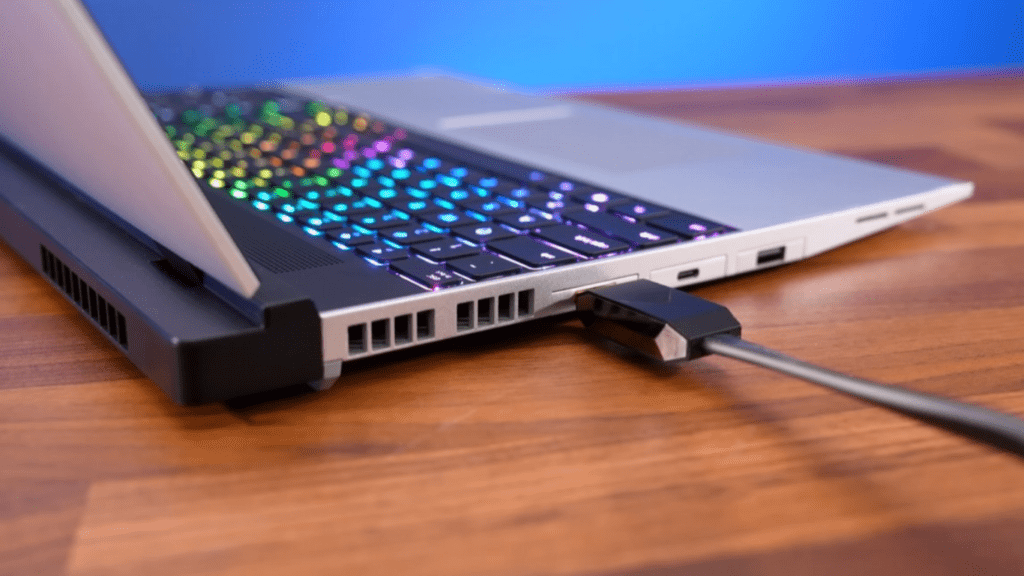
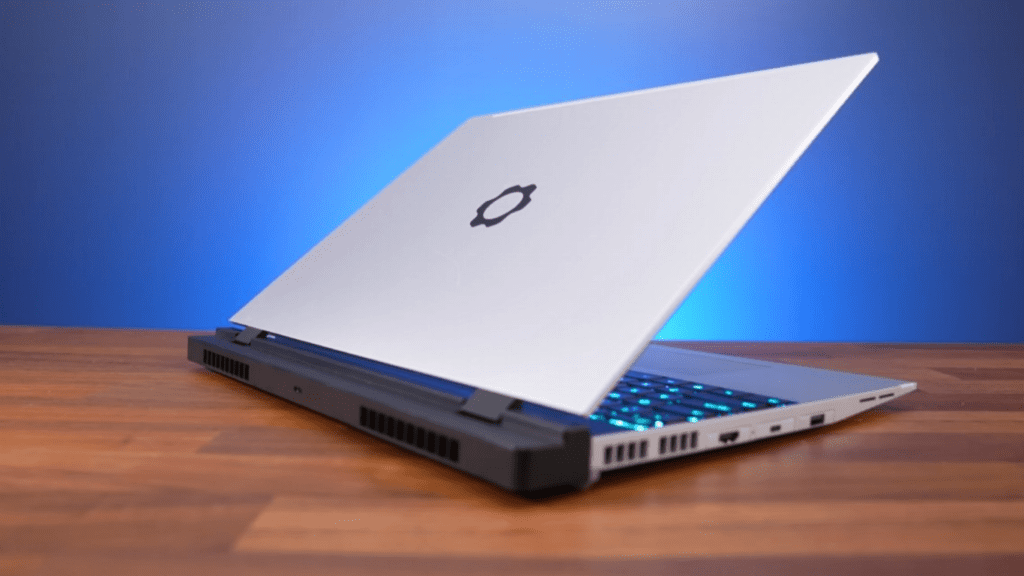
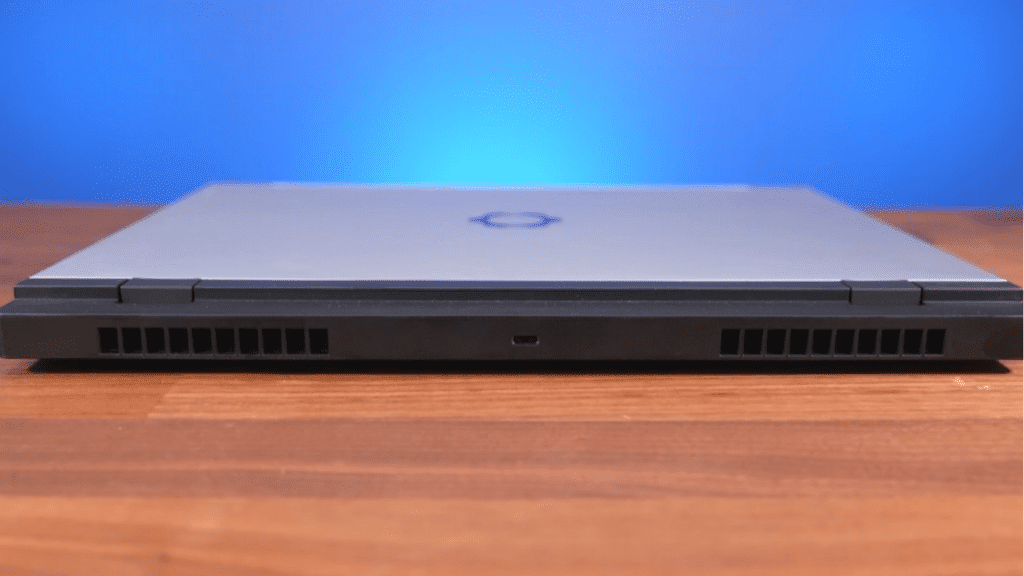
The Framework Laptop 16 retains its signature industrial aesthetic with an aluminum chassis. It feels robust and solid, with minimal flex. The 16-inch, 16:10 display is flanked by noticeable bezels that house the modular webcam and easy-open latches. At around 4.6 lbs (2.1 kg) without the discrete GPU, it’s not the lightest in its class, but the weight is a trade-off for the unparalleled internal access. The modular Expansion Bay on the rear is the star, allowing you to swap between a discrete GPU, additional storage, or a battery booster.
The Heart of the Machine: Unprecedented Upgradability
This is the core selling point. Every critical component is user-replaceable with standard screwdrivers.
- Mainboard Upgrades: The entire motherboard (housing the latest AMD Ryzen 8040 Series CPU and soldered Radeon 800M graphics) can be swapped in future years for a massive performance leap, essentially making the chassis a “forever” device.
- Expansion Bay System: The proprietary port on the rear accepts Graphics Modules (like an RX 7700S or future GPUs), storage expansions, or other future add-ons. Swapping takes 30 seconds.
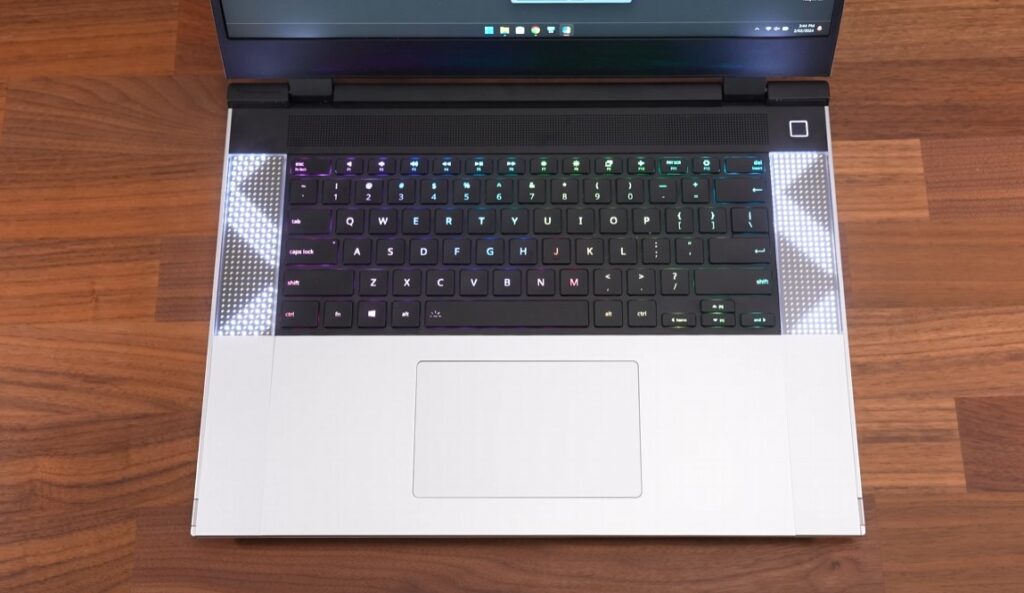
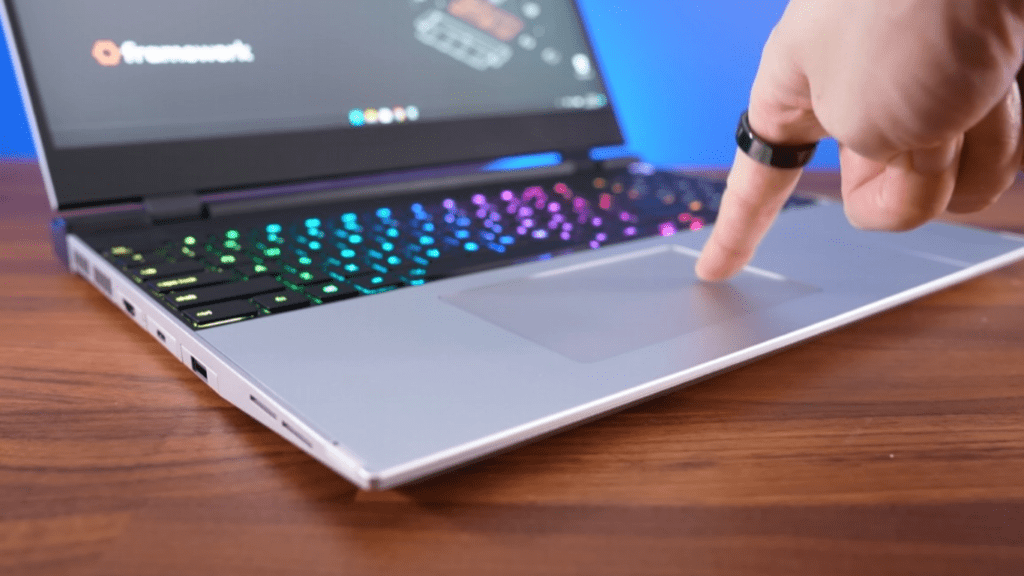
- Input Modules: The touchpad can be replaced with a larger one, a numpad module, or even secondary screens. The keyboard is magnetically attached and swappable for different layouts or languages.
- Standard Internals: Two DDR5 SO-DIMM slots (up to 96GB), two Gen4 NVMe SSD slots (up to 16TB total), and a standard 85Wh battery are all easily accessible.
Performance Benchmarks: A Contender for Creators and Gamers
Our review unit featured a Ryzen 7 8840HS, 32GB DDR5 RAM, and the Radeon RX 7700S Graphics Module.
- Creative Workloads: In Blender, PugetBench for Premiere Pro, and DaVinci Resolve, it performed admirably, rivaling mid-range mobile RTX 4060 systems. The color-accurate 165Hz display (optional) is fantastic for content creation.
- Gaming Performance: At 1600p, it handled Cyberpunk 2077 at Medium-High settings at ~60 fps. Esports titles like Valorant soared well above 144 fps. The 7700S is a capable 1080p/1440p card, but enthusiasts might crave more power—hopefully coming in future GPU modules.
- Battery Life & Thermals: With the iGPU only, expect 6-8 hours of light use. The discrete GPU drains it faster. The cooling system is effective but can get audible under full dual-load. It’s not the loudest gaming laptop, but the fan pitch is noticeable.
Display, Input, and Audio
- Display Options: The base 165Hz matte non-touch panel is excellent. The optional 240Hz matte and 165Hz glossy HDR options cater to competitive gamers and media pros, respectively. Brightness and color gamut are strong.
- Keyboard & Input Modules: The keyboard is tactile and comfortable. The Input Module system is a novel experiment. The secondary numpad/small screen module is clever for streamers or developers, though it remains a niche appeal.
- Audio & Webcam: Speakers are adequate but not bass-heavy. The 1080p modular webcam is a huge step above typical laptop cameras and can be upgraded independently.
The Framework Ecosystem: Pros and Cons
Pros:
- Unrivaled Repairability: iFixit gives it a 10/10. Parts are available in the Framework Marketplace.
- True Long-Term Value: A mainboard upgrade in 3 years is cheaper than a new laptop.
- Reduces E-Waste: The ultimate anti-obsolescence statement.
- Community Driven: Framework actively incorporates user feedback into design.
Cons:
- Premium Price: You pay for the innovation. Equivalent performance can be found cheaper in traditional laptops.
- Modular Trade-offs: Slightly thicker chassis, some empty internal space for modules.
- Ecosystem Risk: The long-term success depends on the Framework continuing to produce new upgrade modules.
- Not for Everyone: Requires comfort with basic technical tasks to maximize value.
Final Verdict: Who Should Buy the Framework Laptop 16 (2025)?
The Framework Laptop 16 is a revolutionary product, not just an iterative one. It successfully translates the modular promise to a high-performance segment.
Buy it if: You value sustainability, upgradeability, and tinkering above all else. You want a laptop you can repair with a screwdriver and keep for 5-10 years through upgrades. You’re a developer, creator, or IT manager who appreciates an open, fixable system.
Skip it if: Your primary needs are absolute peak performance-per-dollar, ultra-portability, or a completely hassle-free experience. If you just want a gaming or creator laptop that works out of the box with no thought to future upgrades, traditional options from ASUS, Lenovo, or Razer may be better suited.
FAQ: Framework Laptop 16 (2025)
Q: Can I upgrade the GPU in the future?
A: Yes! Framework has committed to releasing new Graphics Modules for the Expansion Bay, allowing for GPU upgrades without replacing the entire laptop.
Q: Is it difficult to assemble the DIY Edition?
A: Framework’s guides are exceptional. If you can build a LEGO set or install RAM, you can assemble it. It’s designed for beginners.
Q: How does warranty work with upgrades?
A: Each new component has its own warranty. Self-upgrading doesn’t void the warranty, but it only covers the parts Framework supplied.
Q: Are there Linux drivers?
A: Yes, Framework officially supports Linux, and community support is excellent. Many buy the DIY Edition without an OS to install their preferred Linux distribution.
Q: Where can I buy parts?
A: Directly from the Framework Marketplace, which sells everything from individual screws to mainboards and input modules.