I’ve tried pretty much every office suite out there over the years – Microsoft 365, Google Docs, LibreOffice, you name it. But heading into 2026, there’s one that keeps pulling me back in: ONLYOFFICE. This ONLYOFFICE 2026 review is my honest take after using the latest version 9.2 updates daily. With powerful new AI features, rock-solid self-hosting options, and zero subscription fees for the core tools, it’s become my go-to. If you’re tired of paying for features locked behind paywalls or worrying about your data in the cloud, stick around – you might feel the same way by the end.
What is ONLYOFFICE, Anyway?
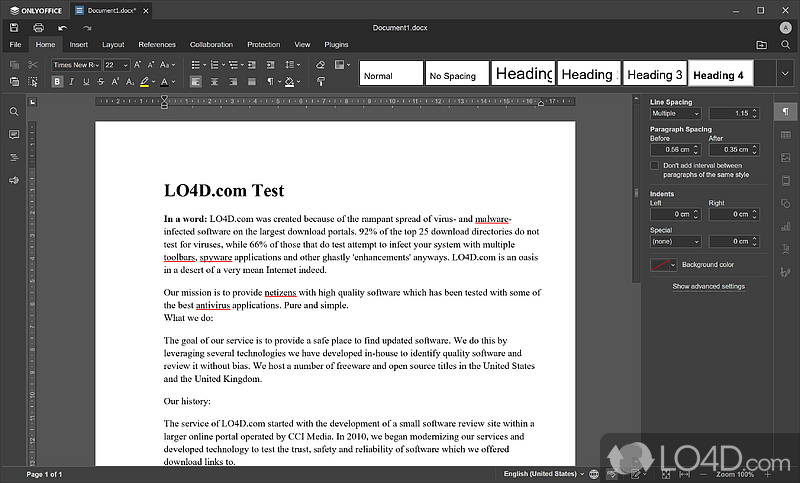
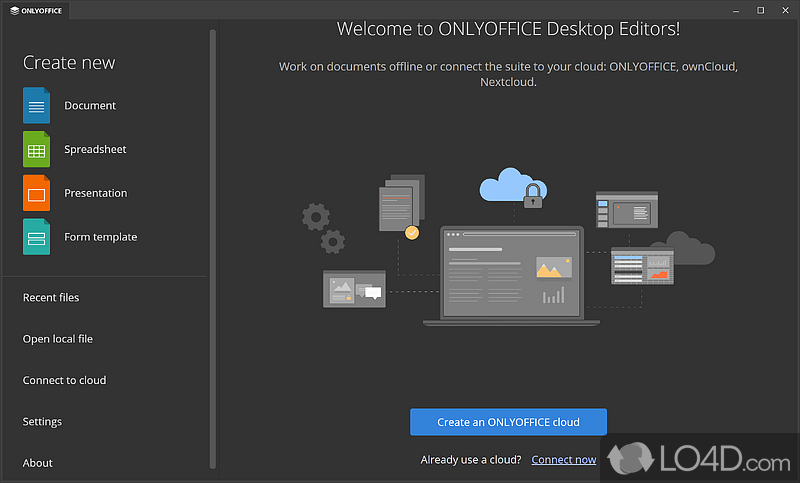
At its core, ONLYOFFICE is a free, open-source office suite that lets you create, edit, and collaborate on documents, spreadsheets, presentations, and PDFs. It’s available as desktop apps, mobile apps, or a full self-hosted server solution. The main parts are:
- ONLYOFFICE Docs: The editors themselves are super compatible with Microsoft Office formats.
- ONLYOFFICE DocSpace: A collaboration platform where you organize rooms for teams or clients.
- Desktop Editors: Offline-first apps for Windows, macOS, and Linux.
What sets it apart is the focus on privacy and control. Everything can run on your own server, and the code is open on GitHub.
Big Changes in 2026: Docs 9.2 and the Cloud Shift
The biggest news hitting right as 2026 starts is the wrap-up of ONLYOFFICE Workspace Cloud. The hosted version is shutting down in early 2026, pushing everyone toward self-hosted setups or DocSpace. Honestly, I see this as a good thing – it doubles down on what ONLYOFFICE does best: giving you full ownership of your data.
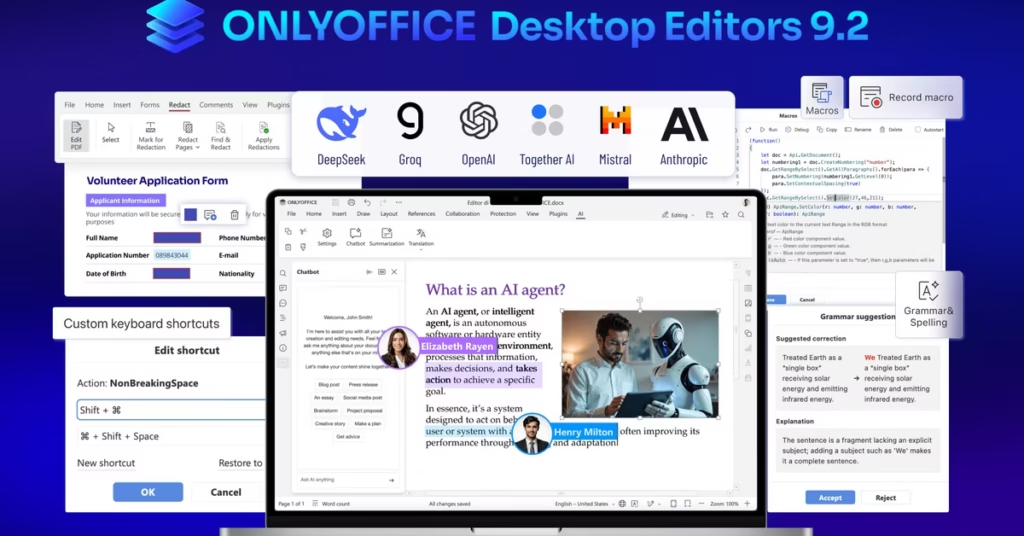
On the brighter side, version 9.2 (dropped in December 2025) brings some killer updates. The standout? AI agents are now available to everyone, not just beta testers. You also get AI-powered grammar and spell checks, macro recording, and custom hotkeys.
Deep Dive into ONLYOFFICE AI Features
Let’s talk about the AI – because this is where ONLYOFFICE really jumped ahead in 2026.
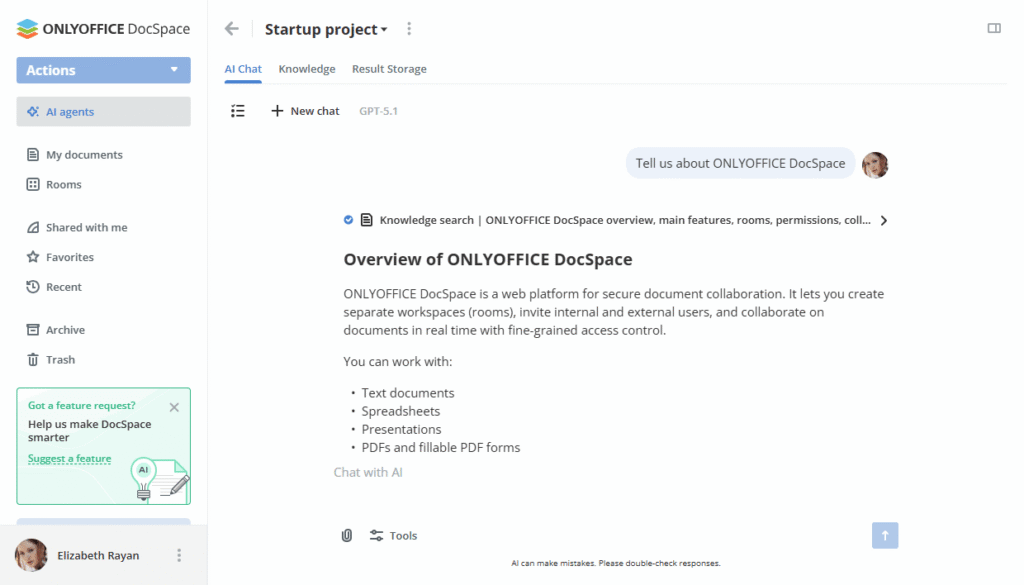
The new AI agent feels like having a smart assistant inside your documents. Ask it to summarize text, generate ideas, rewrite sections, or even create whole drafts. It works right in the editors, and you can connect any model – OpenAI, local LLMs, whatever you prefer.
Other handy AI tools include:
- Generate images or code snippets on the fly.
- Translate text instantly.
- Extract text from scanned PDFs.
- Smart grammar and spelling suggestions that actually understand context.
I’ve used it to brainstorm blog outlines or clean up rough drafts, and it saves me hours. For teams, the agents in DocSpace can automate workflows, like summarizing meeting notes or pulling data into sheets.
Compared to the basic Copilot in Microsoft 365, ONLYOFFICE’s approach feels more flexible – especially since you can run everything locally for total privacy.
Collaboration and DocSpace: Teamwork Made Simple
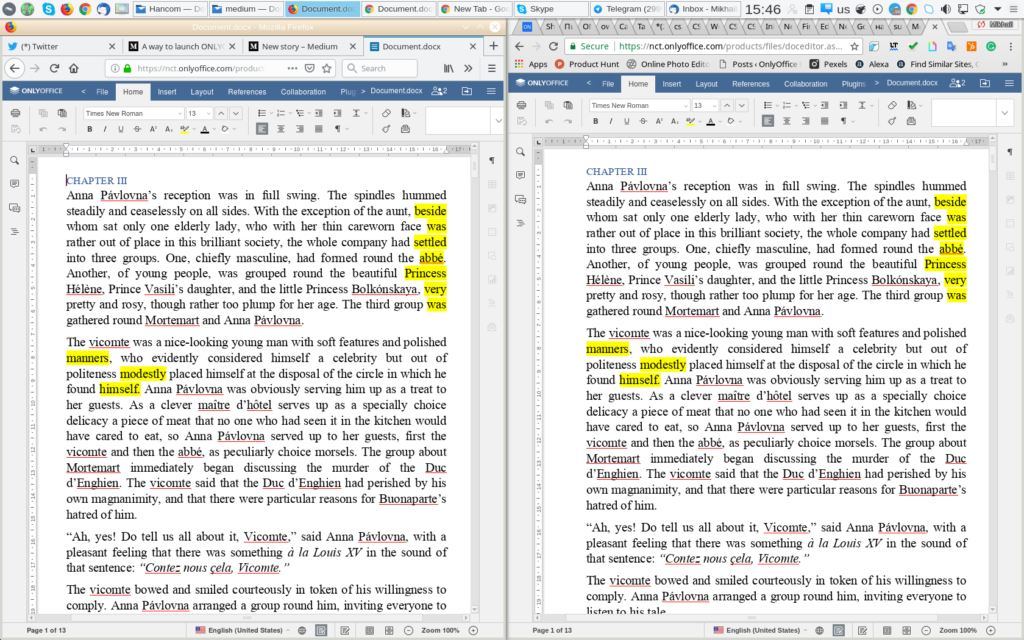
ONLYOFFICE shines for teams. Real-time co-editing is smooth, with track changes, comments, and built-in chat. DocSpace lets you create customizable “rooms” – public for clients, private for internal stuff, or read-only for sharing.
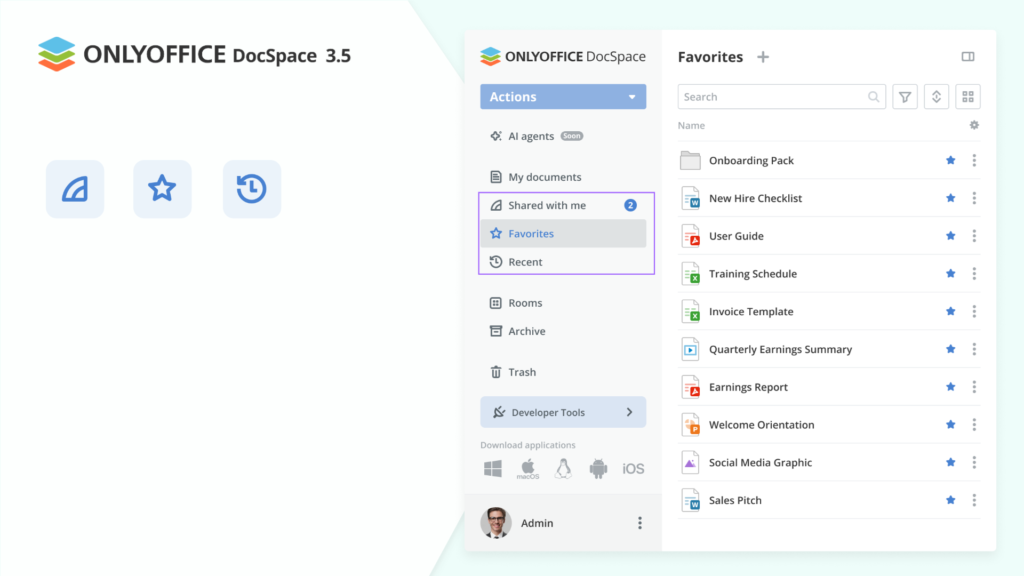
Since the cloud service is going away, self-hosted DocSpace is now the star. It’s easy to set up on your server, and you get the full experience offline if needed.
Self-Hosting: Why It’s a Game-Changer
If privacy matters to you, self-hosted ONLYOFFICE is unbeatable. Run Docs and DocSpace on your own hardware or VPS. No data leaves your control, and you can integrate local AI models.
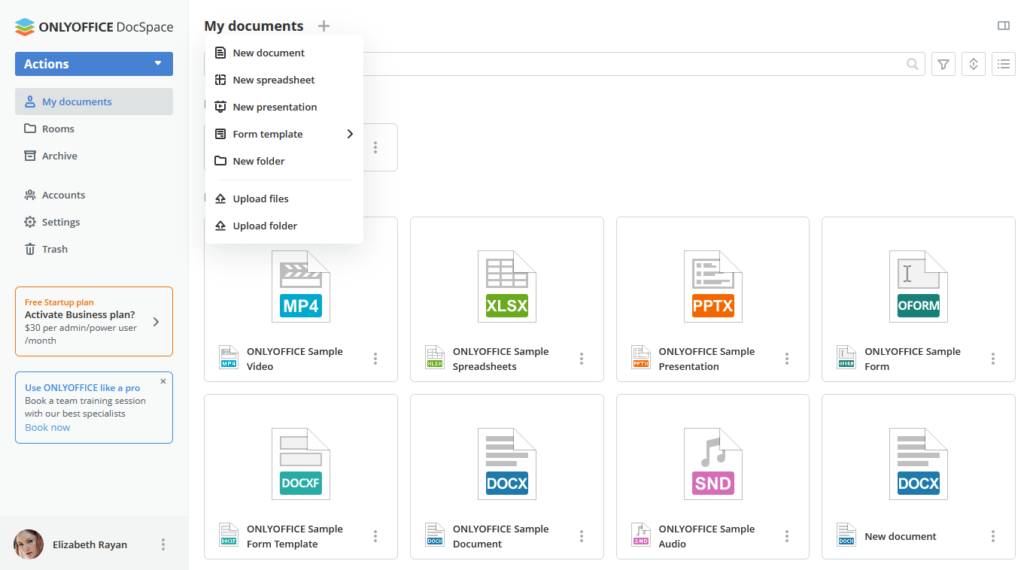
Setup is straightforward with Docker, and there are tons of guides. For small businesses or anyone dodging Big Tech data collection, this is huge.
ONLYOFFICE vs Microsoft 365, Google Docs, and Others
How does it stack up?
Vs Microsoft 365: Better format compatibility, no subscription, stronger privacy. Microsoft has more advanced features in some areas, but ONLYOFFICE’s AI is catching up fast – and it’s free.
Vs Google Docs: Way better offline access and Microsoft file fidelity. Google’s collaboration is simple, but ONLYOFFICE feels more professional.
Vs LibreOffice: Similar open-source roots, but ONLYOFFICE has superior real-time collaboration and modern AI.
In 2026, with rising concerns over data privacy and costs, ONLYOFFICE wins for me.
Pricing: Free, With Paid Options
The community editions are completely free. Enterprise plans add support, branding removal, and extra connectors – starting reasonably for businesses. No forced upsells.
ONLYOFFICE Pros and Cons
Pros:
- Excellent Microsoft Office compatibility
- Powerful, flexible AI features
- True self-hosting and privacy
- Real-time collaboration without subscriptions
- Active development and open-source
Cons:
- Some advanced enterprise features need the paid version
- Mobile apps are good, but not quite as polished as Google’s
- Learning curve if you’re coming from fundamental tools
Overall, the pros far outweigh the cons for most users.
Getting Started with ONLYOFFICE in 2026
- Grab the Desktop Editors from the official site for quick offline use.
- For teams, try the DocSpace demo or spin up your own server.
- Install the AI plugin and connect your preferred model.
It’s that simple.
FAQ
Is ONLYOFFICE really free in 2026?
Yes – core editors and self-hosted versions are free forever under AGPL license.
What happens to the ONLYOFFICE cloud service?
Workspace Cloud is discontinued in early 2026, but self-hosted DocSpace replaces it fully.
How good are the new ONLYOFFICE AI features?
Excellent. The AI agent handles complex tasks, and you can use local models for privacy.
Can ONLYOFFICE replace Microsoft 365 completely?
For most people and small teams, yes – especially if you value cost and privacy.
Is self-hosted ONLYOFFICE hard to set up?
Not really. Docker makes it easy, and community guides are extremely helpful.
Does ONLYOFFICE work well on mobile?
Yes, the apps support editing, viewing, and basic collaboration on iOS and Android.
What’s better – ONLYOFFICE or LibreOffice?
ONLYOFFICE for collaboration and AI; LibreOffice if you need purely offline with no server.
Is ONLYOFFICE secure?
Very – especially self-hosted. Regular updates and open-source code mean quick fixes.
Final Thoughts: Why ONLYOFFICE is My Top Pick for 2026
After all the updates in late 2025 and the shift to self-hosting, ONLYOFFICE feels more mature than ever. It’s powerful, private, and now packed with useful AI – all without costing you a dime for the essentials.
If you’re ready to ditch subscriptions or take control of your data, give it a try. Download the latest Desktop Editors or set up DocSpace today. I think you’ll be impressed.
What do you think – ready to make the switch? Let me know in the comments!