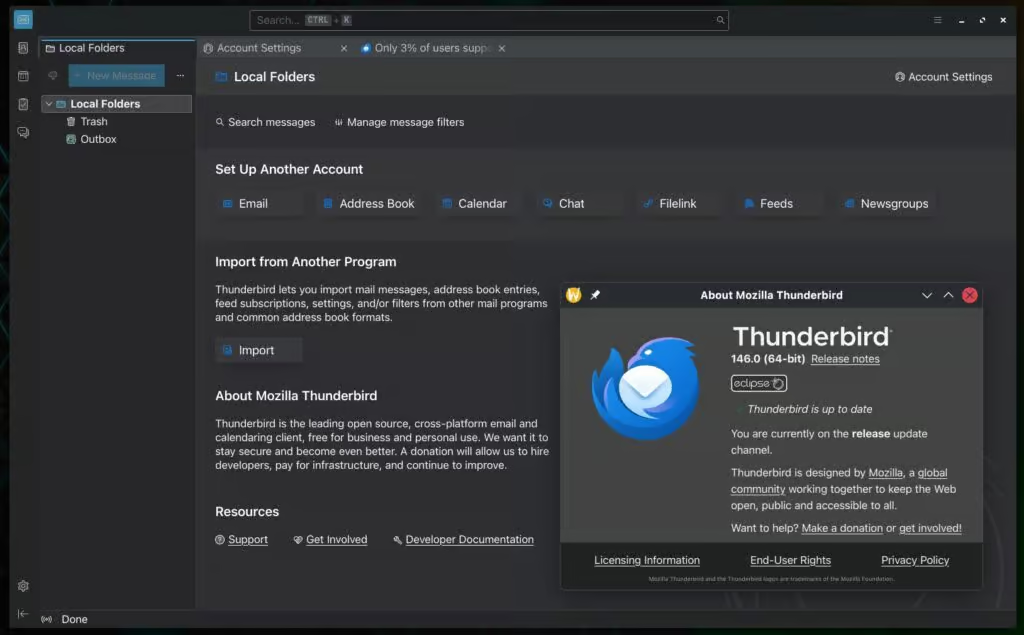
Thunderbird, the powerful open-source email client from Mozilla, continues to dominate the free email client space in 2025. With its latest release, Thunderbird 146.0 (December 2025), building on years of refinements to the Supernova interface and robust mobile expansion, Thunderbird offers unmatched privacy, customization, and performance without any cost. In an era where web-based email services track your every click and premium clients demand subscriptions, Thunderbird stands out as a beacon of user control and freedom. But is Thunderbird still the best free email client in 2025? This comprehensive Thunderbird review dives deep into its features, updates, performance, and competitors to answer that question.
The Resurgence of Thunderbird: From Supernova to 2025 Dominance
Thunderbird has been a staple for power users since 2003, but its development slowed in the 2010s, leading many to explore alternatives. However, since 2020, Mozilla and MZLA Technologies Corporation have invested heavily, culminating in the game-changing Thunderbird 115 “Supernova” release in 2023. Supernova modernized the entire experience with a sleek UI, improved accessibility, and technical debt cleanup.
Fast-forward to 2025: Thunderbird now follows a monthly release cycle, ensuring rapid bug fixes and feature additions. Version 145 (November 2025) introduced native Exchange Web Services (EWS) support, allowing seamless integration with Microsoft Exchange servers for email, calendar, and contacts—no more relying on outdated add-ons. Thunderbird 146.0, the current stable version as of December 17, 2025, includes further refinements like improved OpenPGP keyserver settings, better folder handling, and stability enhancements.
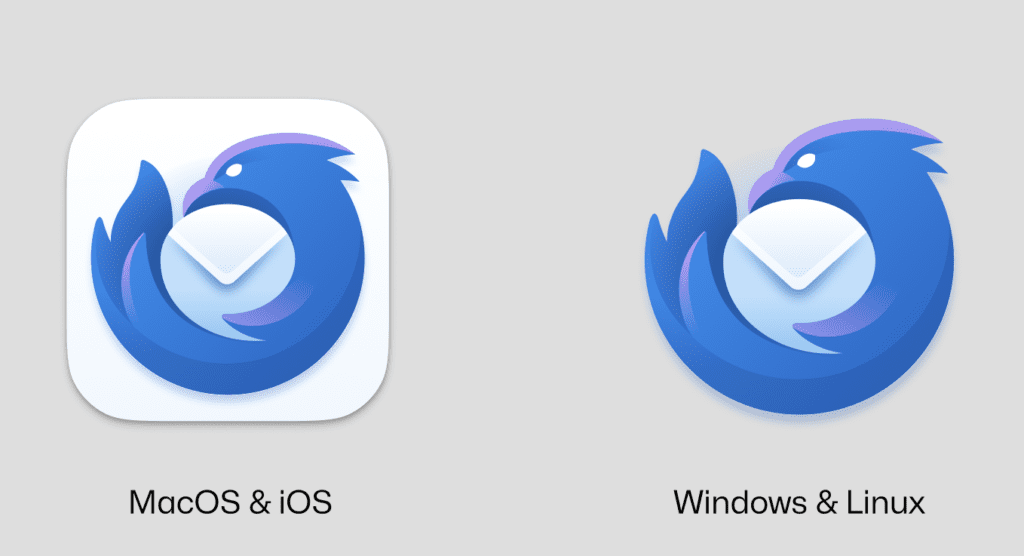
Thunderbird’s mobile push has been equally impressive. Thunderbird for Android, evolved from the K-9 Mail project, reached maturity with stable releases throughout 2025, offering push notifications, unified inboxes, and near-desktop parity. iOS development is advancing quickly, with the app built natively in Swift, early alphas focusing on JMAP protocol for efficient syncing, and public TestFlight access planned soon.
Thunderbird’s Modern Interface: Supernova Evolved
One of Thunderbird’s strongest selling points in 2025 is its polished Supernova interface. The three-pane layout—folders, message list, and preview—feels intuitive and efficient. Users can toggle to Card View for a vertical, multi-line preview reminiscent of modern webmail apps.
Customization shines: Choose from compact, normal, or touch density modes, adjust font sizes globally for multi-monitor setups, and switch between light/dark themes effortlessly. The dynamic unified toolbar adapts contextually, showing relevant actions whether you’re in email, calendar, or tasks.
Account setup is a breeze with auto-detection for providers like Gmail, Outlook.com, ProtonMail, and Fastmail, plus OAuth2 support for secure authentication. Managing multiple accounts? Thunderbird’s unified inbox, color-coded tags, smart folders, and advanced filters make organization effortless.e better notifications and UI refinements. iOS development is progressing rapidly, with early TestFlight alphas expected soon, focusing initially on JMAP for efficient syncing.
Core Features That Make Thunderbird the Best Free Email Client
Thunderbird packs premium-level features into a free package:
- Multi-Account and Organization Tools: Unlimited accounts, unified folders, quick filters, and message tagging for ultimate control.
- Integrated Productivity: Built-in Lightning calendar with CalDAV support, tasks, and reminders—perfect for replacing separate apps.
- Chat Integration: Native support for Matrix, IRC, and XMPP protocols.
- Extensibility: A vast add-ons ecosystem with thousands of extensions for templates, encryption enhancements, themes, and more.
- Top-Tier Security and Privacy: End-to-end OpenPGP and S/MIME encryption, phishing protection, no ads or tracking. As open-source software, it’s regularly audited by the community.
- Offline Power: Excellent IMAP/POP3 syncing and local storage for working without internet.
- Exchange Compatibility: Native EWS in 2025 versions for enterprise users.
- Upcoming Pro Services: Optional paid Thunderbird Pro features like encrypted Send file sharing, and Appointment scheduling are in beta, but the core Thunderbird client remains forever free.
Thunderbird also excels at handling large attachments via integrations and includes an RSS reader for news feeds.
Performance and Reliability in 2025
Thunderbird 146.0 is lightweight, fast, and stable, even with inboxes containing hundreds of thousands of emails. It runs efficiently on Windows 10+, macOS 10.15+, and Linux distributions, with low resource usage, preserving battery life on laptops.
User feedback from forums, Reddit, and review sites like PCMag (updated November 2025) praises its reliability. The Android app is similarly optimized, with quick syncing and minimal crashes in recent updates. Thunderbird’s open-source nature ensures quick community-driven fixes.
Pros and Cons of Thunderbird in 2025
Pros:
- Completely free, open-source, and ad-free with zero data collection.
- Superior privacy and built-in encryption.
- Unparalleled customization through add-ons and settings.
- Powerful multi-account management and filtering.
- Cross-platform support, including a mature Android app.
- Integrated calendar, tasks, chat, and now native Exchange.
- Frequent monthly updates from an active development team.
Cons:
- Some older add-ons may lag behind updates (core functionality is always solid).
- iOS app still in development—no public release yet as of December 2025.
- No native AI features like smart compose (though add-ons or Pro services may add them).
- Interface, while excellent, might not feel as “flashy” as some proprietary apps.
Thunderbird vs Competitors: Why It Wins as the Best Free Email Client
In 2025 reviews from PCMag, Zapier, TechRadar, and ZDNet, Thunderbird consistently tops free desktop client lists, especially for privacy-focused and power users.
- vs Microsoft Outlook: Outlook integrates deeply with Microsoft 365, but requires a paid subscription and raises privacy concerns. Thunderbird is free, more private, and fully supports Exchange in 2025.
- vs Gmail/Webmail: Gmail is convenient, but monetizes your data with ads and tracking. Thunderbird provides better offline access, no surveillance, and superior organization.
- vs eM Client or Mailspring: These offer modern looks and some free tiers, but Thunderbird’s add-on ecosystem, open-source transparency, and longevity give it the edge.
- vs Spark or Airmail: Mobile-first with AI perks, but often premium-locked. Thunderbird’s Android app competes strongly while staying free.
For Linux users, Thunderbird is unrivaled as the premier open-source option.
Conclusion: Yes, Thunderbird Is Still the Best Free Email Client in 2025
Without a doubt. Thunderbird in 2025 isn’t just holding its ground—it’s leading the pack among free email clients. The Supernova evolution, monthly innovations like native Exchange support, thriving Android app, and unyielding focus on privacy and user empowerment make Thunderbird indispensable.
If you’re seeking the best free email client that respects your data, offers endless customization, and works seamlessly across devices, Thunderbird 146.0 is the clear winner. Download it now and experience why millions trust Thunderbird to manage their digital lives.