An in-depth look at the privacy-focused messaging app that’s changing how we communicate securely.
Introduction
In an age where digital privacy concerns are at an all-time high, Signal Private Messenger has emerged as a leading solution for secure communication. Originally developed by the non-profit Signal Foundation and now recommended by privacy advocates like Edward Snowden and cybersecurity experts worldwide, Signal promises what few messaging apps can: true end-to-end encryption by default. But is it the right messaging app for your needs? This comprehensive review explores Signal’s strengths, limitations, and whether it deserves a spot on your device.
What Is Signal Private Messenger?
Signal is an open-source, privacy-focused messaging application available for iOS, Android, and desktop platforms. Unlike mainstream alternatives that prioritise features over security, Signal was built with privacy as its core principle from the ground up. All communications—text messages, voice calls, and video calls—are protected with Signal’s own robust encryption protocol, which has become the gold standard in the industry (even adopted by WhatsApp for their encryption).
The Pros: Why Signal Stands Out
1. Unmatched Security and Privacy
Signal employs end-to-end encryption for all communications, meaning only you and the person you’re communicating with can read what’s sent. Not even Signal’s servers can access your messages, calls, or shared media. The protocol is open-source and has been extensively audited by security experts.
2. Non-Profit, Ad-Free Model
As a project of the 501(c)(3) non-profit Signal Foundation, Signal has no corporate parent seeking to monetise your data. The app contains zero advertisements and doesn’t track your usage patterns or contacts for marketing purposes. Funding comes from grants and donations, aligning incentives with user privacy rather than shareholder profits.
3. Advanced Privacy Features
- Disappearing Messages: Set messages to vanish after a predetermined time (from 5 seconds to 4 weeks)
- Screen Security: Prevents screenshots within the app on Android and notifications from showing message content
- Sealed Sender: Allows messages to be sent without revealing sender metadata to servers
- Relay Calls: Masks your IP address during calls by routing through Signal servers
- No Data Collection: Signal collects minimal metadata compared to other messaging apps
4. Open Source Transparency
Signal’s code is publicly available for inspection on GitHub, allowing security researchers worldwide to examine, audit, and verify its security claims—a level of transparency virtually unmatched by mainstream messaging apps.
5. Cross-Platform Compatibility
Available for iOS, Android, Windows, Mac, and Linux, Signal syncs seamlessly across devices while maintaining security through encrypted local databases.
6. Feature-Rich Experience
Despite its security focus, Signal offers modern messaging features, including:
- High-quality voice and video calls (individual and group)
- Media sharing (photos, videos, documents)
- Group chats with admin controls
- Message reactions, replies, and mentions
- Note to Self feature for personal reminders
- Chat backups (Android only, encrypted)
The Cons: Where Signal Falls Short
1. Smaller User Base
The biggest practical limitation is that your contacts need to have Signal installed for you to communicate with them securely. While growing steadily, its user base remains far smaller than WhatsApp, iMessage, or Telegram.
2. Limited Backup Options
Unlike competitors, Signal doesn’t offer cloud backups for iOS users. Android users can create encrypted local backups, but restoring requires a 30-digit passcode that, if lost, means permanent data loss. Cross-device transfer remains cumbersome.
3. Fewer “Fun” Features
Signal prioritises security over flashy features. You’ll find fewer stickers, no animated emoji, no status stories, and fewer customisation options compared to mainstream apps.
4. No Username System (Currently)
Until recently, Signal required sharing your phone number to connect with others—a privacy concern for some users. While usernames are now being rolled out, the feature is still new and not as seamless as Telegram’s handle system.
5. Potential for Isolation
If you’re in a region or social circle where WhatsApp is dominant, switching exclusively to Signal might mean missing out on group chats or important communications.
Is Signal Safe for Private Chat?
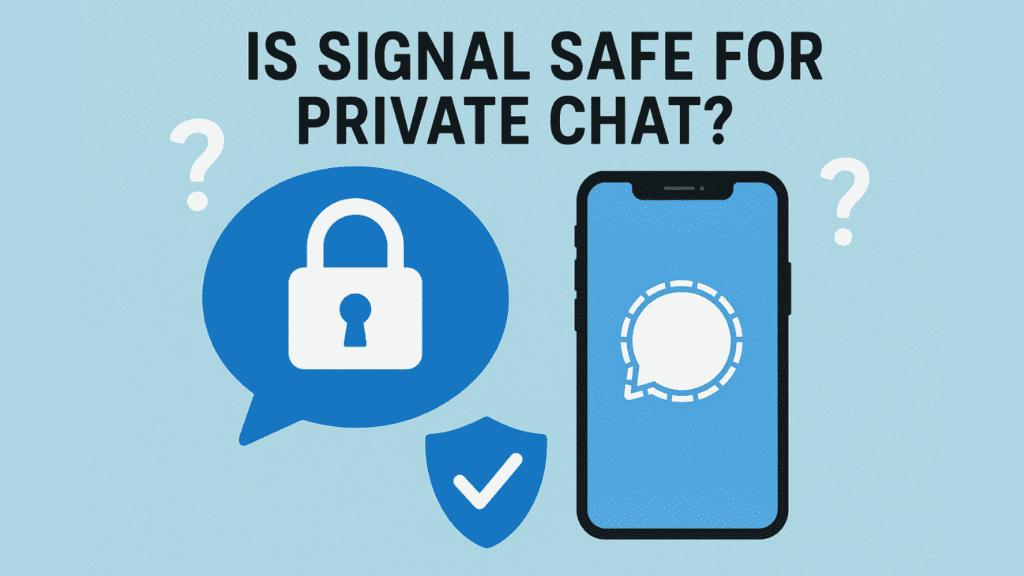
Absolutely. Signal is arguably the safest mainstream messaging app for private chat.
Here’s why:
- End-to-End Encryption (E2EE) by Default: Every call, message, video, and file you send is encrypted. This means only you and the recipient can see the content. Not even Signal’s servers can read your messages.
- The Gold Standard Protocol: Signal creates and maintains its own encryption protocol, which is so respected that it has been adopted by other apps like WhatsApp and Facebook Messenger for their “secret conversations.”
- Open-Source Code: Security researchers worldwide can inspect Signal’s code for vulnerabilities, making it incredibly transparent and trustworthy.
- Minimal Data Collection: Signal collects almost no metadata about you. It only stores your phone number, the date you registered, and the last date you connected to their service. Compare this to other apps that collect contact lists, usage patterns, and connection logs.
Verdict: For pure, technical chat security, Signal is at the top of the class.
Is Signal 100% Private?
This is a critical question. While Signal is as close to 100% private as a messaging app can be, it’s important to understand the limits of digital privacy.
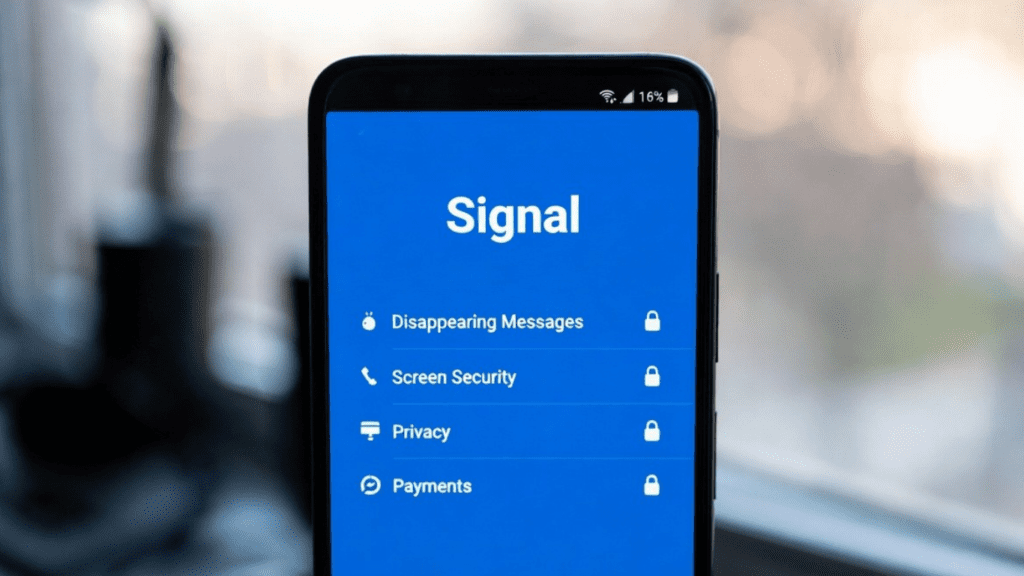
What Signal Protects (Extremely Well):
- Content of your communications: Your messages and calls are unreadable to anyone else.
- Your contact list: It’s never sent to Signal’s servers.
- Your identity: Features like “Sealed Sender” hide who is sending a message from the servers themselves.
- Your location: Relay calls mask your IP address.
The Realistic Limits of “100% Private”:
- Endpoint Security: If someone has physical access to your unlocked phone or has installed spyware on it, they can see your messages. Signal can’t protect against compromised devices.
- Metadata (to a very small degree): Signal knows the date you registered and when you last connected. For group chats, the server knows which phone numbers are in a group and when a group was created.
- Phone Number Requirement: Historically, you needed to share your phone number to connect. Signal is now rolling out usernames, which help separate your identity from your phone number, but the feature is new.
- Social Context: If you send private information to another person, you are trusting them not to screenshot or share it.
Honest Answer: No digital tool is 100% private in every conceivable scenario. However, for protecting your communications from corporations, hackers, and mass surveillance, Signal provides a level of privacy that is unmatched by virtually all popular alternatives.
What Are the Disadvantages of Signal?
Despite its stellar security, Signal has practical drawbacks that can affect user experience.
1. The Network Effect Problem
This is the biggest disadvantage. Your contacts need to have Signal for you to message them. If your friends, family, or work group use WhatsApp or iMessage, you might miss out on conversations. Convincing people to switch can be challenging.
2. Limited Backups & Data Portability
- iOS: No official backup option. If you lose your phone or get a new one, your message history is gone.
- Android: You can create encrypted backups, but they are local (to your device or Google Drive). Restoring requires a complex 30-digit passphrase. Losing it means losing your data forever.
3. Fewer “Fun” and Convenience Features
Signal prioritises security over bells and whistles. You might miss:
- Extensive sticker and GIF libraries
- Animated emoji or “message reactions” beyond the basics
- Status stories or “last seen” timestamps
- Cloud-synced chat histories across platforms
4. Usernames Are Still New
The ability to message someone without giving them your phone number (using a username) is a recent addition. It’s a great step for privacy, but it’s not yet as seamless or universally adopted as Telegram’s handle system.
5. Potential for Social Isolation
In some circles, not being on the dominant messaging app (like WhatsApp in many countries) can mean being left out of important social or community groups.
Who Is Signal Best For?
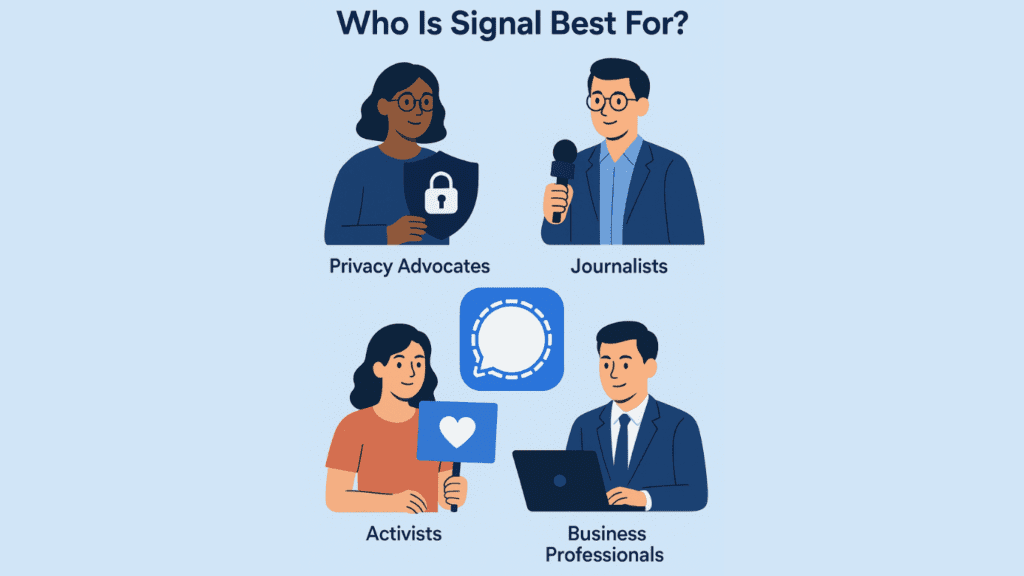
Signal is particularly valuable for:
- Privacy-conscious individuals are concerned about data harvesting
- Journalists and activists operating in sensitive environments
- Professionals handling confidential information
- Anyone looking to reduce their digital footprint and data exposure
- Users in countries with surveillance concerns
Signal vs. The Competition
Signal vs. WhatsApp: Both use Signal’s encryption protocol, but WhatsApp collects significantly more metadata, is owned by Meta (Facebook), and has faced multiple privacy controversies. Signal wins on privacy principles.
Signal vs. Telegram: Telegram offers more features and larger groups, but only provides end-to-end encryption in “Secret Chats” (not default). Telegram stores messages on its servers in a decryptable form, while Signal cannot decrypt your messages.
Signal vs. iMessage: Apple’s solution is secure and convenient for Apple users, but excludes Android devices entirely and collects some metadata. Signal provides consistent cross-platform security.
The Verdict: Is Signal Worth Using?
Overall Rating: 4.5/5
The Bottom Line:
Signal delivers on its promise of private, secure communication better than any mainstream alternative. Its commitment to privacy-first design, non-profit status, and transparent development make it the clear choice for security-conscious users.
The Trade-Off:
You sacrifice some convenience features and face the “network effect” challenge of convincing contacts to join. However, as privacy awareness grows and more people adopt Signal, this limitation continues to diminish.
Final Recommendation:
Install Signal today—at minimum as a secondary messaging app for sensitive conversations. Use it alongside your primary messenger, gradually encouraging important contacts to join. The app’s security benefits far outweigh its limitations, especially in an era of increasing digital surveillance.
Getting Started with Signal
- Download Signal from your device’s official app store
- Register with your phone number (required for initial setup)
- Enable registration lock-in settings for added security
- Set disappearing messages for sensitive conversations
- Invite contacts gradually, starting with security-conscious friends
Signal represents more than just another messaging app—it’s a statement that privacy matters in the digital age. While not perfect, its strengths in security and privacy protection make it an essential tool for anyone serious about protecting their communications in an increasingly monitored world.
Have you tried Signal? Share your experiences in the comments below, and consider sharing this review with friends who value their digital privacy.